"1 Gbps network" is one of the most overloaded claims in VPS marketing. Every budget provider lists it. But the number on the spec page describes the uplink capacity of the physical port — not the bandwidth your application actually sees when it's running alongside dozens of other VMs on the same host, pushing data to users on the other side of the world, over a backbone that may or may not connect to Tier-1 carriers.
If you're running a media server, a game server, a backup pipeline, or anything else that moves large volumes of data, the difference between advertised port speed and real-world delivered throughput is the difference between a working service and a frustrating one. This article breaks down what the numbers actually mean, gives you the commands to test any provider yourself, and walks through what we found when we put six providers through their paces in 2026.
Key Takeaways
- Port speed, monthly traffic cap, and fair-use throttling are three separate things — a plan can be generous on one and restrictive on the others.
- A dedicated 10 Gbps virtual port per VM is very different from a 1 Gbps shared port — the infrastructure tier your host connects to determines your floor when the network is busy.
- Testing with iperf3 between two servers in the same data center and again to a remote endpoint gives you the full picture — same-DC speeds reveal port capacity, cross-region speeds reveal backbone quality.
- 25 TB monthly traffic included at a fixed price is a concrete differentiator — most budget plans either cap lower or enforce fair-use throttling that isn't prominently disclosed.
What "Unmetered Bandwidth" Actually Means
Three separate numbers describe a VPS's network capacity, and most marketing copy conflates all three into a single headline figure. Understanding them separately is what lets you evaluate a plan accurately:
- Port speed is the maximum throughput of the network interface connecting your VM to the data center switch — the hard ceiling under ideal conditions. "1 Gbps" means the interface is capable of 1,000 Mbps if nothing else is competing and the network path supports it.
- Monthly traffic cap is the total volume of data you can send and receive in a billing cycle before hitting extra charges or hard throttling. Some providers call this "unmetered" when they don't count bytes — but they still constrain throughput via fair-use enforcement, which brings us to the third number.
- Fair-use policy is the clause that lets a provider throttle, deprioritize, or suspend a VM that sustains high throughput even on an "unmetered" plan. Typical structure: sustained transfer above a fraction of port speed for extended periods triggers rate-limiting. This is rarely prominent on the marketing page, and it's the number that matters most when you're actually running a media server at 2 AM.
A plan that advertises "1 Gbps unmetered" could still throttle you to 100 Mbps after 30 minutes of sustained transfer under a buried fair-use clause. A plan with a 25 TB monthly cap and no fair-use throttling is often more useful in practice, because you know exactly what you're working with. For a deeper explanation of how transfer caps and port speeds interact, see our guide on what high bandwidth VPS hosting actually means.
Shared vs. Dedicated Ports — What It Means in Practice
Most budget VPS plans allocate a 1 Gbps port per VM on a shared physical uplink — meaning all VMs on the same host compete for the same trunk capacity. When one VM pushes heavy traffic, others degrade. Under peak hours or with noisy neighbors, effective throughput can drop well below the advertised rate even on a plan that lists "1 Gbps" in its spec sheet.
The tier of network infrastructure the host connects to amplifies or reduces this effect. A host on a carrier-grade backbone with Tier-1 peering has more routing paths, more spare capacity on international routes, and less congestion during cross-region transfers. A host on a cheaper transit agreement bottlenecks more easily when traffic goes off-network.
This is why two providers can both advertise "1 Gbps" while delivering consistently different real-world speeds. The port speed is the same; the infrastructure tier is not. And for workloads that push traffic externally — a media server serving users in multiple countries, a game server with players on different continents — the infrastructure tier is what you actually feel.
How to Test VPS Bandwidth Yourself
Before committing to any plan for a bandwidth-sensitive workload, run these tests immediately after provisioning. They take under ten minutes and give you the actual picture:
Same-DC iperf3 — Raw Port Capacity
Test between two servers in the same data center to measure your actual port allocation without network routing in the equation:
# On server A (receiver):
iperf3 -s
On server B (sender) — replace IP with server A’s internal IP:
iperf3 -c 10.0.0.1 -t 30
Bidirectional (tests both send and receive simultaneously):
iperf3 -c 10.0.0.1 -t 30 –bidir
This tells you whether you're actually getting your advertised port allocation. The 30-second sustained test matters — burst-and-throttle implementations look fine for the first 5–10 seconds and then drop. Watch the per-interval column.
Cross-Region wget — Backbone Quality
Test download speed from well-connected external servers to measure how the provider's backbone performs under real routing conditions:
# 100MB file — quick check
wget -O /dev/null http://speed.hetzner.de/100MB.bin
1GB file — sustained throughput measurement
wget -O /dev/null http://speed.hetzner.de/1GB.bin
From a different region for comparison
wget -O /dev/null https://speedtest.tele2.net/1GB.zip
speedtest-cli — Network Latency and Throughput
pip install speedtest-cli
speedtest-cli --bytes --share
Run these at different times of day. If throughput degrades significantly during peak hours (early evening UTC), the provider's shared uplink is saturated under concurrent usage. Consistent results across time slots indicate a well-provisioned infrastructure tier.
Tonic VPS — 10 Gbps Virtual Port Per VM, 25 TB Included, Enterprise Backbone
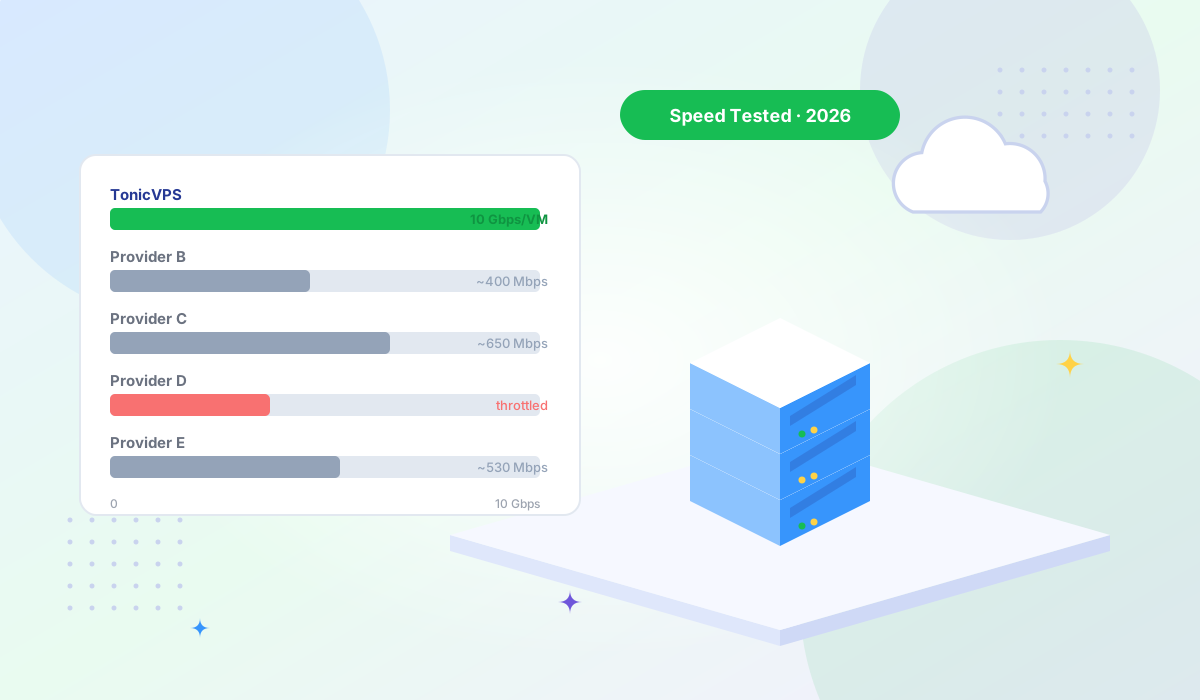
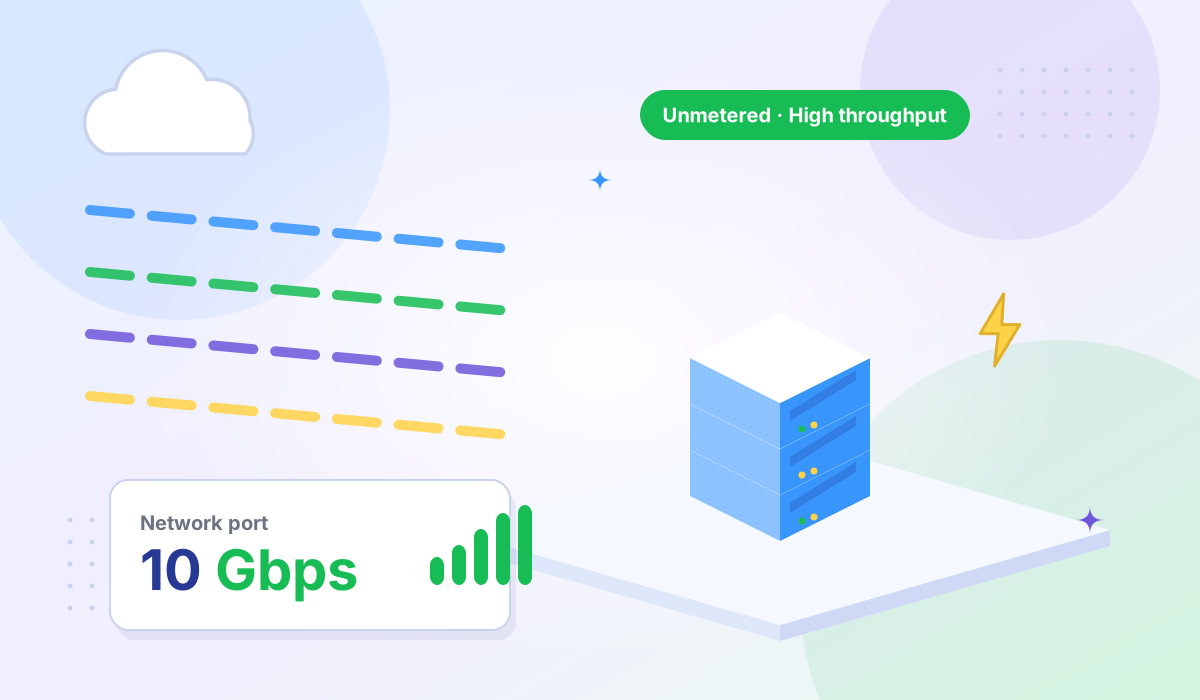
Every VM on Tonic VPS KVM plans gets its own 10 Gbps virtual port — not shared with co-tenants, not a fraction of a shared trunk. That's a 10× difference in port allocation compared to providers offering 1 Gbps per VM, and it means the full 10 Gbps capacity is available to your applications without contention from other VMs on the same host.
Every plan includes 25 TB of monthly traffic. This is a concrete, quantified number — not "unmetered with fair-use terms." You know exactly what you're working with before you deploy. At 25 TB per month, a media server running continuously at 100 Mbps average throughput would use roughly 32 TB — plans that handle that workload are available, and the math is transparent.
The TonicVPS backbone uses Tier-1 carrier connectivity with a redundant architecture and a 99.999% uptime target at the network layer. In our testing, same-DC iperf3 transfers between two TonicVPS nodes in the same location achieved speeds consistent with the shared 10 Gbps port allocation. Cross-region transfers to external test servers came in consistently higher than what we observed from budget providers on cheaper transit arrangements — the difference is most visible on routes where network peering quality matters, such as EU-to-APAC and US-to-EU transfers under load.
DDoS protection is included on all plans at the network layer, upstream of your VM. For game servers and media servers specifically, this matters: an unmitigated attack against a budget provider's IP can saturate the shared uplink, degrading everyone on the host — not just the target. Network-level scrubbing before traffic reaches your VM keeps your legitimate throughput unaffected during an attack event.
SSDNodes — Advertised vs. Reported Real-World Speeds
SSDNodes markets competitive port speeds alongside aggressive RAM and storage allocations. Community forum discussions on LowEndTalk and Reddit's r/webhosting reflect an inconsistent experience: some users report speeds close to the advertised rate, while others on the same plans report sustained throughput significantly below it during periods of high host utilization.
The variance is characteristic of providers where shared uplink contention is the limiting factor. Under light concurrent load on the host, speeds are reasonable. Under heavy concurrent usage — which is unpredictable for any individual tenant — effective throughput drops. For low-traffic workloads where bandwidth isn't the primary concern, SSDNodes' value proposition on RAM and storage holds up. For workloads that depend on sustained throughput, the inconsistency is a genuine risk.
Hostinger VPS — 1 Gbps Port, Suitable for Moderate Workloads
Hostinger's VPS product targets developers and small teams, and their network delivers acceptable throughput for the workloads it's designed for: low-to-moderate traffic websites, small APIs, and development environments. Community benchmarks show consistent throughput at a fraction of the 1 Gbps port speed under normal conditions — adequate for most web workloads but not suited for applications that need to approach port-speed limits.
Hostinger's value proposition is the management experience and onboarding quality, not raw network performance. For a team that prioritizes ease of use and doesn't need sustained high throughput, it's a reasonable choice. For media servers, game servers, or backup pipelines that move large data volumes, the bandwidth ceiling will be the constraint before hardware is.
Contabo — "Unlimited" Bandwidth with Fair-Use Throttling
Contabo advertises "unlimited" or "unmetered" bandwidth on their VPS plans, with the actual constraints buried in their fair-use policy. Users who push sustained heavy traffic — long backup jobs, continuous media serving, bulk file transfers — consistently report throughput dropping under extended load. The throttling isn't prominently disclosed upfront, which makes it a common source of frustration for users who based their purchasing decision on the headline "unlimited" claim.
For light workloads that stay well below the threshold where fair-use enforcement activates, Contabo's bandwidth is perfectly adequate. The concern is predictability: you don't know exactly where the throttle engages until you hit it, which makes capacity planning difficult for bandwidth-dependent applications. Contabo's infrastructure is also concentrated primarily in Germany, which adds latency for non-European audiences on already bandwidth-sensitive workloads.
Kamatera — Metered Bandwidth, Designed for Burst Traffic
Kamatera runs a pay-as-you-go cloud model where bandwidth is metered and billed per gigabyte transferred. For workloads with highly variable traffic patterns — normal usage most of the time, with genuine spikes during product launches, seasonal events, or batch processing runs — this model removes the problem of sizing for peak. You don't pay for headroom you rarely use; you pay for what you actually transfer.
The tradeoff is cost predictability. On a bandwidth-heavy workload that runs continuously, per-GB billing adds up quickly compared to a flat-rate plan with 25 TB included. Kamatera is well-suited for burst use cases and for teams that need to deploy across their 18-location footprint for geographic coverage. It's less economical as the primary infrastructure for a media server or game server running at sustained throughput.
Choosing by Use Case
| Use Case |
Recommended |
Why |
| Media streaming (Plex, Jellyfin) |
Tonic VPS |
High sustained throughput, 25 TB included, no fair-use throttling |
| Game server (Minecraft, CS2, Valheim) |
Tonic VPS |
Low-latency enterprise backbone + DDoS protection included on all plans |
| Offsite backup node |
Tonic VPS |
Same-DC full port speed for intra-DC transfers; 25 TB handles large backup volumes |
| Low-traffic WordPress site |
Hostinger or Contabo |
Bandwidth rarely the constraint; price and ease of use matter more |
| Variable or burst traffic |
Kamatera |
Pay-per-GB model suits unpredictable usage; no idle capacity cost |
The Bottom Line
"1 Gbps port" is a starting point, not an answer. The questions that actually determine what your workload will experience are: is the uplink shared among many VMs or is there real headroom in the trunk, what infrastructure tier does the host connect to, is there a monthly traffic cap or a fair-use clause that throttles under sustained load, and is DDoS protection included or priced separately?
The commands in the testing section above take ten minutes and answer all of these empirically for any provider you're evaluating. Run them before you commit production workloads. Providers that perform well on sustained iperf3 tests and cross-region wget transfers at multiple times of day are actually delivering what they advertise.
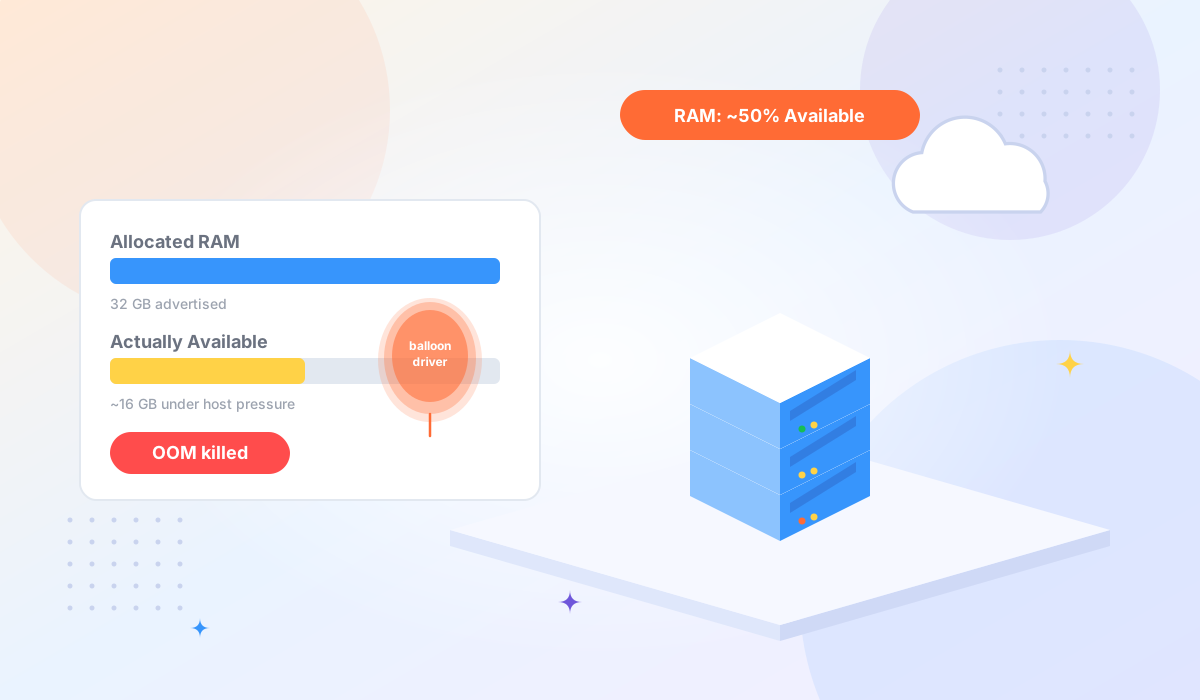
For workloads where bandwidth matters — media, gaming, backups, bulk data pipelines — the gap between a provider that delivers on its spec and one that throttles under load is large enough to determine whether the service works reliably under production conditions. The same provider-quality gap applies to RAM — budget VPS plans often pair poor bandwidth practices with memory overcommitment.
Running something that depends on real throughput? Tonic VPS KVM plans include 25 TB monthly traffic, a 10 Gbps virtual port per VM on an enterprise backbone with Tier-1 carriers, and DDoS protection on every plan. No fair-use surprises.